The short answer
A web phone runs in your browser with nothing to install, which suits laptops, shared computers and occasional international calls. Mobile VoIP apps suit calling on the move. Both use the internet, so price and connection quality matter more than the format.
What is a web phone?
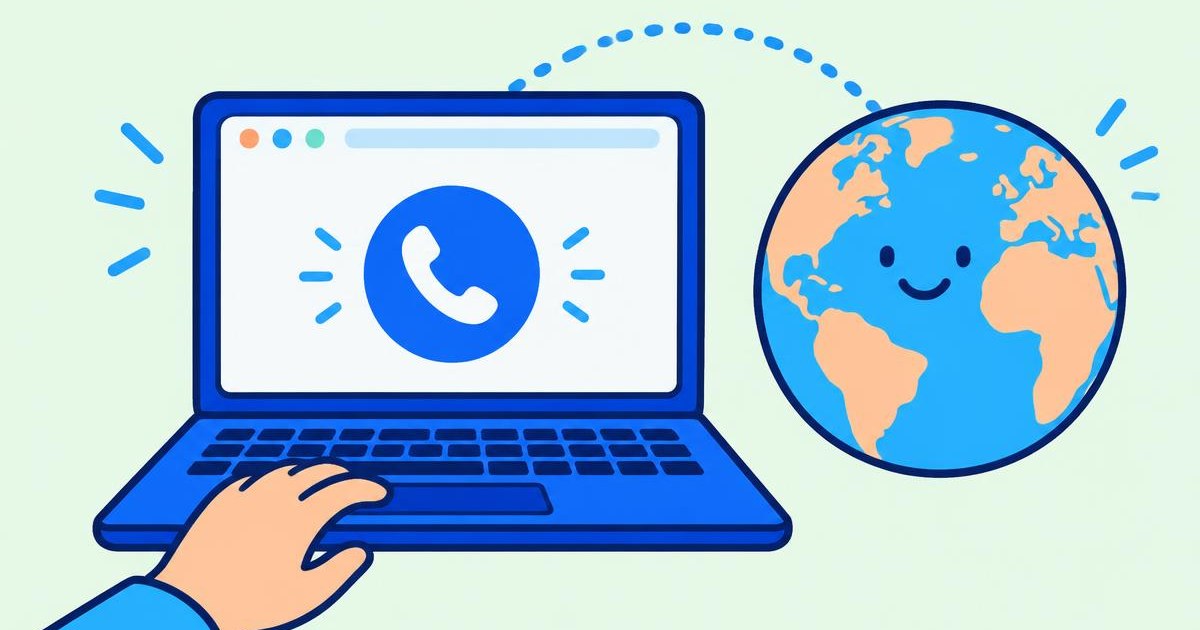
A web phone, or browser phone, is a dialer that runs inside Chrome, Safari, Edge or Firefox. It uses WebRTC, a standard built into modern browsers, to send your voice over the internet and connect it to the phone network.
You sign in, allow microphone access and dial. The person you call answers on their normal mobile or landline.
What is a mobile VoIP app?
A mobile VoIP app is a calling app you install from the App Store or Google Play. Some only call other users of the same app; others can call regular phone numbers using paid credit.
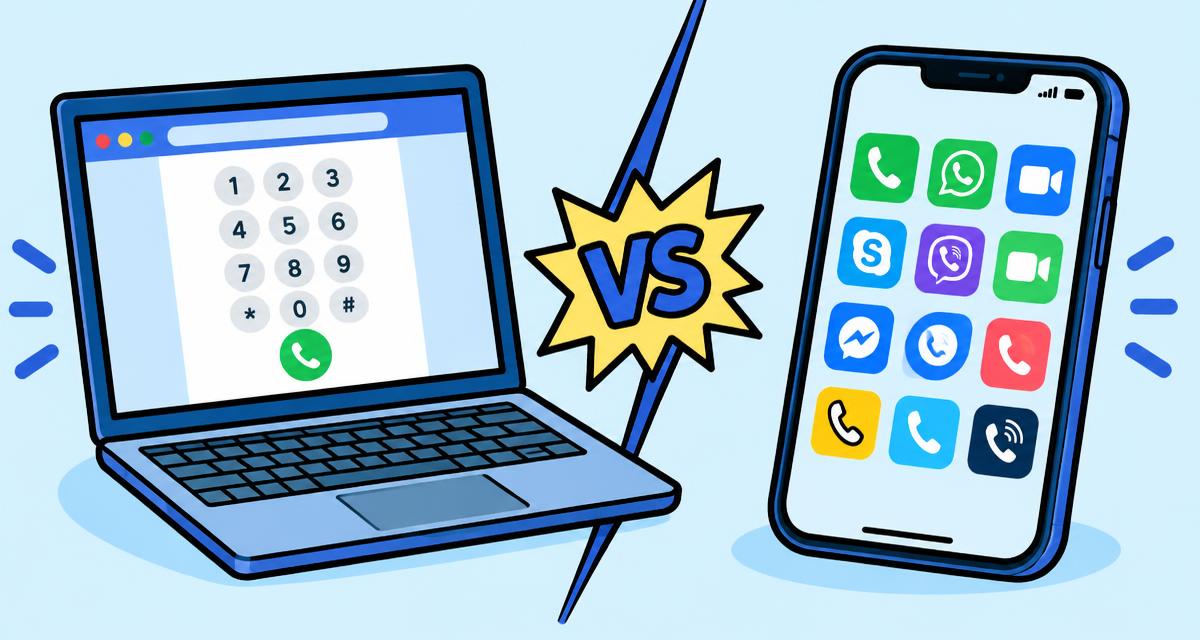
Web phone vs VoIP app at a glance
- Setup: a web phone needs no install; an app needs a download and updates.
- Devices: a web phone works on any computer with a browser; apps are tied to the phone they are installed on.
- Storage and battery: a web phone uses no phone storage; apps run in the background and can use battery.
- On the move: apps handle walking around and switching networks better.
- Cost: both are usually far cheaper than carrier roaming; compare the per-minute rate for your country.
Which has better call quality?
Quality depends mostly on your internet connection and microphone, not on whether you use a browser or an app. A stable Wi-Fi or wired connection and a headset give the clearest calls on either.
When a web phone is the better choice
- You make calls from a laptop or desktop while working
- You cannot or do not want to install apps
- You call landlines, banks or offices abroad occasionally
- You want to see the price before you dial and pay only per minute
When a mobile app is the better choice
If you mostly call while away from a computer, or the person you call uses the same free app, a mobile app is often more convenient. Many people use both.