The short answer
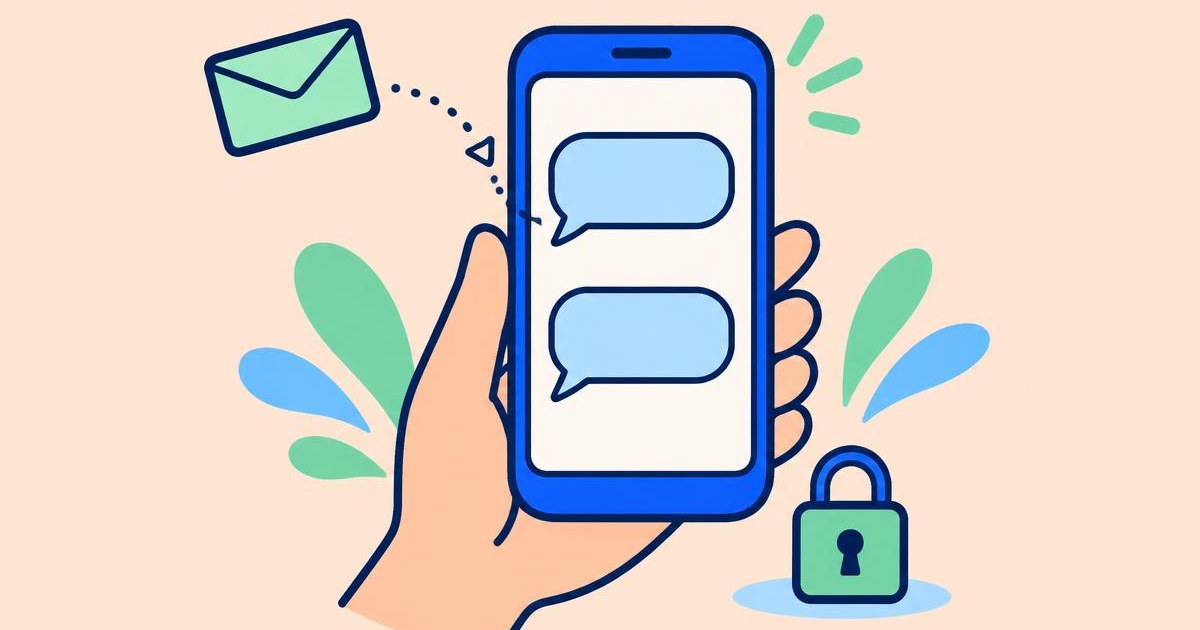
Use an SMS-capable rented number and an account-based inbox. HalaPhone supports incoming texts on eligible rented US and Canadian numbers, with no outbound SMS.
A personal inbox is not a public SMS page
Searches for receiving SMS online often lead to public disposable numbers. Those services can display incoming texts to anyone who visits the page. A number shown there is not the same as a rental tied to your own account.
With an account-based inbox, messages are associated with the eligible number you rent and accessed through your signed-in account. That is a different access model, not a promise of absolute privacy or end-to-end encryption. Avoid using a public inbox for passwords, personal details or important account recovery.
Is receiving SMS online free?
Some public number sites offer free access, but a public inbox may expose the message to other visitors and you may not control the number. Free access is not the same as a private, ongoing rental.
HalaPhone is a paid rental with an account-based inbox, not a free disposable SMS site. Pick the access model you need and check the ongoing number and message costs before using it.
What you need to receive texts with HalaPhone
You need an eligible rented US or Canadian number, an active account and prepaid credit. A connected caller ID is not eligible: verifying your existing mobile number does not reroute the texts that your carrier delivers to it.
SMS reception must be enabled for the selected rented number. A number's ability to receive texts does not guarantee that every sender or short code will deliver to it. If a website refuses a virtual number, the inbox cannot override that website's policy.
Learn about rented virtual numbersHow to set up your incoming SMS inbox
First rent an available US or Canadian number from Your number in the dashboard. Then open the separate SMS tab and select that number. Review the reception status and enable SMS when the option is available. Enabling requires at least $1 of balance.
Once reception is enabled, send a normal text to your rented number from another phone. Check the SMS inbox and refresh if needed. If it does not arrive, confirm the complete number, selected inbox and reception status before asking the sender to try again. Messages sent while reception is paused are not guaranteed to be recoverable.
- Rent an eligible US or Canadian number.
- Open SMS and select your rented number.
- Check your balance and enable reception.
- Send a test text from another phone, then check your inbox.
How much does receiving SMS cost?
HalaPhone charges $0.01 per received SMS message, separate from the $4 monthly number rental. These charges are paid from prepaid balance. Receiving SMS is not included as unlimited free messaging with your number.
Keep credit available if you need reception to remain active. When there is not enough credit, unpaid messages stay locked and reception can be paused. Adding credit can unlock stored unpaid messages, but does not guarantee delivery of texts that were never received. Check the current status before relying on the inbox.
Will it receive verification codes?
Possibly, but this is not guaranteed. Some senders accept virtual numbers, while others require a mobile-carrier number or restrict short-code delivery. A successful text from a friend's phone does not prove that a bank or another service will accept the number.
Use a stable recovery method for important accounts. Where available, an authenticator or security key can avoid depending entirely on a rented number. Do not rent a number solely on the assumption that it will work with a specific verification service.
Keep control of the accounts linked to your number
Protect your HalaPhone sign-in and do not share inbox screenshots containing sensitive codes. Before releasing a number, change the contact and recovery number on any accounts connected to it. A released number may eventually belong to someone else.
HalaPhone's SMS feature is for receiving messages, not sending replies, marketing texts or bulk SMS. If you need two-way conversations, this inbound-only inbox is not a substitute for a messaging plan with outgoing support.