The short answer
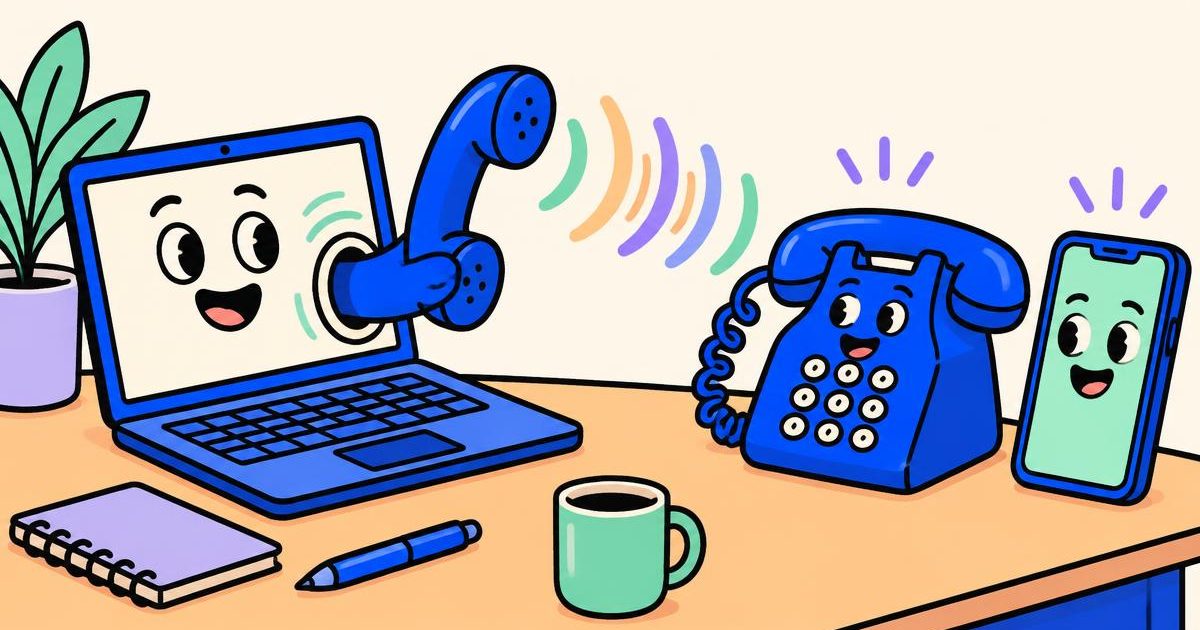
You need an internet connection, a microphone and a browser calling service. The person you call can answer on a regular mobile or landline without installing your app.
How browser calling works
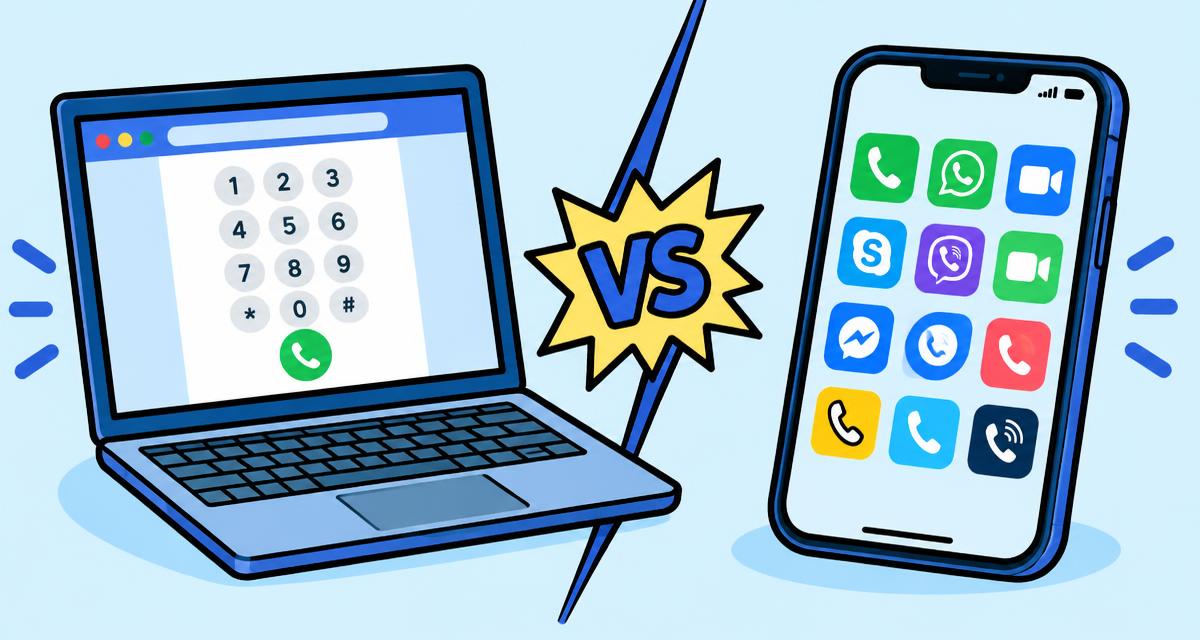
Browser calling uses Voice over Internet Protocol, or VoIP, to carry your voice over an internet connection. A calling service connects that online audio to the telephone network when your destination is a regular phone number.
This is different from a call inside a messaging app, where both people may need an account and the same app. With a service that supports calls to telephone numbers, the recipient simply answers their mobile or landline. Coverage and charges depend on the destination and service you choose.
Can you call from a browser for free?
Some internet services offer free calls between their own users. That does not mean calls to ordinary mobile and landline numbers are free: connecting to a telephone network can have a usage charge.
A HalaPhone account is free to create, but calling is prepaid. Compare the live destination price instead of assuming a free signup includes free minutes. The person receiving your call does not need a HalaPhone account.
What you need before you call
A quiet room and a headset can make a bigger difference than an expensive microphone. Before placing a call, check these basics:
- A modern browser on a computer or phone with a working microphone.
- A stable internet connection. Weak wireless signals can cause gaps or delayed audio.
- The recipient's full international phone number, including the country code.
- An account and enough prepaid calling credit for the destination.
How to place an international call with HalaPhone
Create an account, then open Call in your dashboard. Choose a caller ID available to your account, enter the destination number and check the displayed rate before pressing the call button. When the browser asks to use your microphone, allow access.
HalaPhone supports a shared caller ID, or an eligible number you rent or connect. A rented or connected caller ID has its own monthly charge; it is separate from the cost of the destination call. You do not need to rent a number just to use the shared caller ID.
Create your HalaPhone accountUse the right country code
An international number starts with a plus sign followed by the country calling code and the local number. For example, +212 is Morocco and +44 is the United Kingdom. The US and Canada both use +1, so that prefix alone does not distinguish the two countries.
Some national numbers begin with a trunk prefix that is omitted in international format, but rules differ by country. Ask your contact for their number in international format rather than guessing or adding extra zeros. Country codes are not area codes: the country code identifies the numbering plan, while an area code identifies a region or service within it.
Compare the actual destination rate
A country can have different tariffs for mobile networks, landlines and special numbers. A headline starting rate is not a promise that every number in that country has the same price. Check the relevant destination details, including any connection fee and billing increment.
HalaPhone's public rates pages show live calling prices. Calling charges come from prepaid credit, and number rental is separate. Unanswered calls can still incur a small connection cost, so do not assume every missed call is free. Check your call history for the final charge rather than estimating it from a ringing timer.
Check live international call ratesIf your call has no sound
First check the microphone permission in your browser's site settings. Confirm that the correct microphone and speaker are selected on your device, and check whether another app is using the microphone. A connected Bluetooth headset may be taking the audio even when you expect the device speaker to play it.
If the audio breaks up, move closer to your router or try a more stable connection. Close bandwidth-heavy downloads and avoid repeatedly redialling while a call is still active. If you need emergency assistance, use your local emergency calling service; HalaPhone is not an emergency phone replacement.