
The short answer
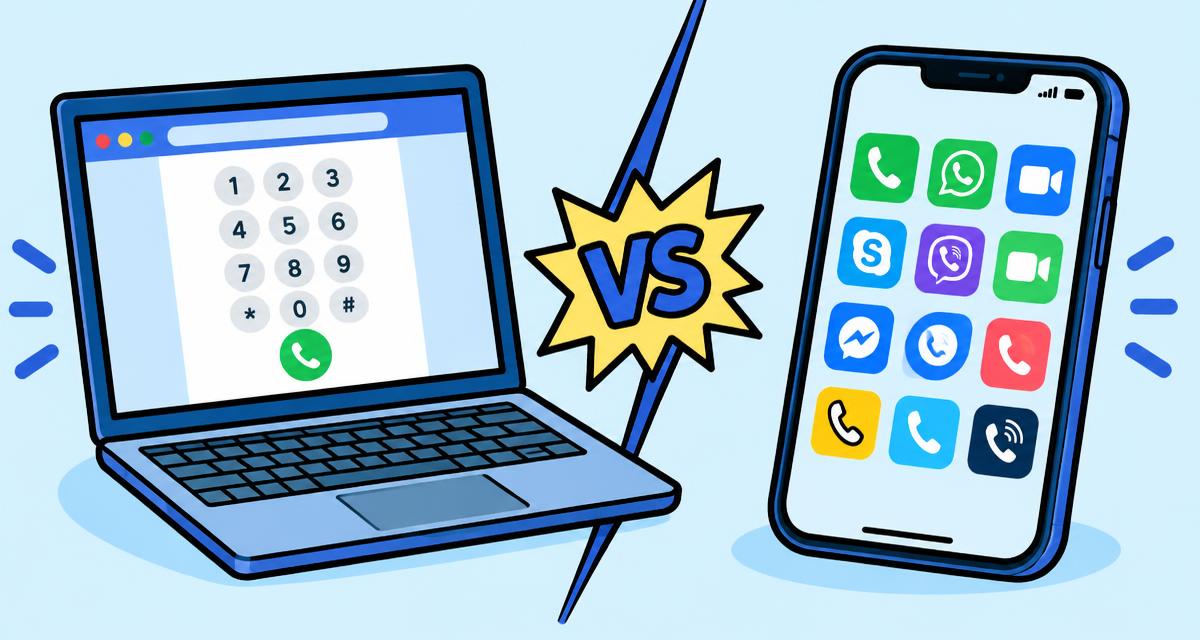
A browser calling service lets your computer call ordinary phone numbers. You need a microphone, a stable connection and prepaid credit; the person you call just answers their phone.
Can you call a phone number from a computer?
Yes. Internet calling services connect the audio from your computer to the regular telephone network, so you can call a landline or a mobile number from a PC, Mac or Chromebook.
Calls between two users of the same app can be free, but calls to ordinary phone numbers usually cost a small amount per minute because the service pays to reach the telephone network.
What you need
You do not need special hardware. Check these basics first:
- A computer with a modern browser such as Chrome, Edge, Firefox or Safari.
- A built in or USB microphone. A headset reduces echo.
- A stable internet connection; a wired connection or strong wireless signal works best.
- The full number in international format, starting with + and the country code.
Calling from a browser without an app
With HalaPhone you open the dialer in your browser, type the number and press call. The first time, your browser asks for microphone permission; allow it and the call connects.
Because nothing is installed, you can call from a work laptop, a shared computer or a phone browser and sign out when you are done.
Create your HalaPhone accountLandline versus mobile prices
Many countries charge different rates for landlines and mobile networks, and mobile calls are often more expensive. Check the destination before you call so you know the per-minute price for the type of number you are dialing.
Compare call rates by countryTips for clear audio
Close apps that use your microphone, pick the correct input in your browser settings and avoid large downloads during the call. If the other person hears an echo, switch from laptop speakers to headphones.